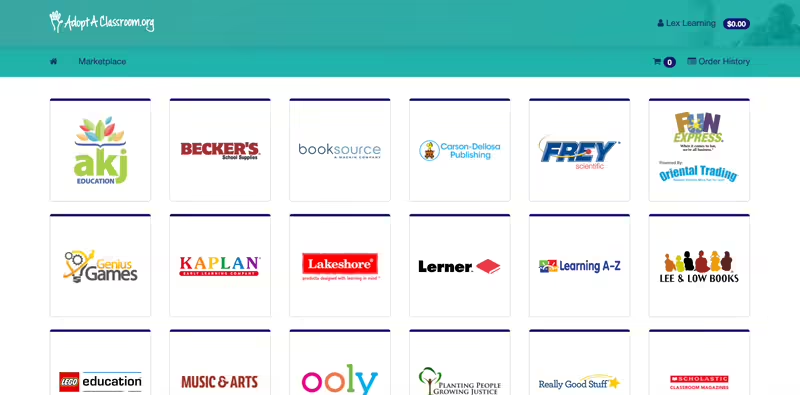
AdoptAClassroom.org works with more than 20 education vendor partners to support your needs. But how do you actually order supplies on the teacher dashboard?
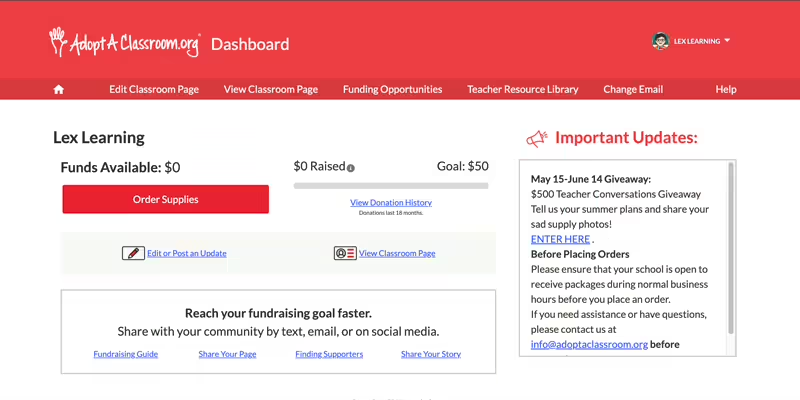
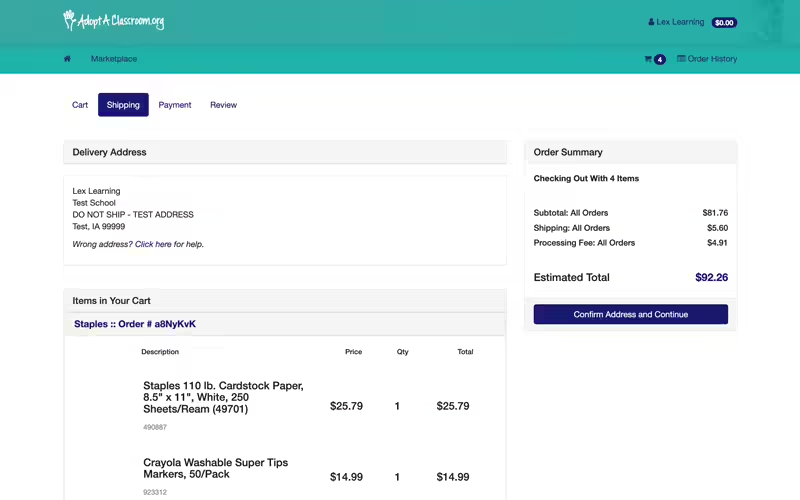
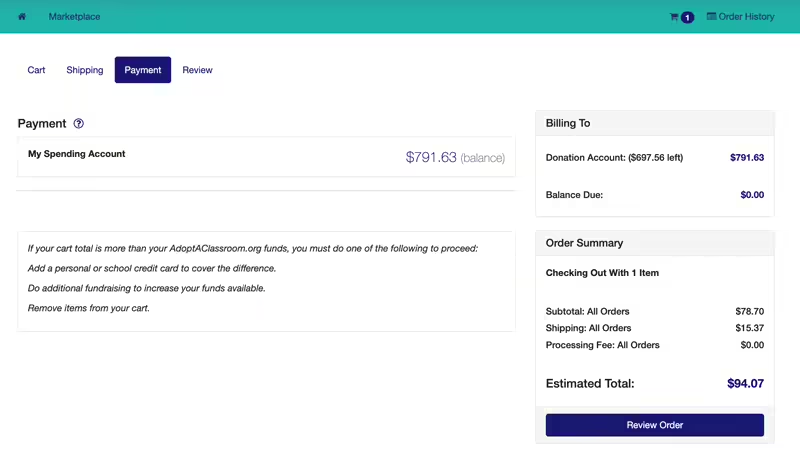
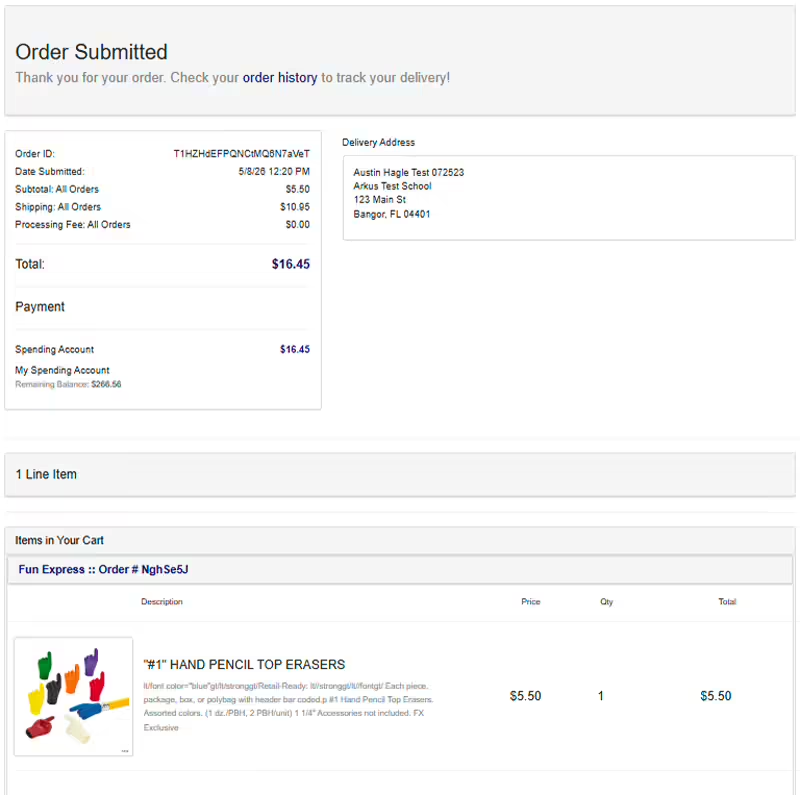
Below is your step-by-step guide to ordering school supplies with your AdoptAClassroom.org funds.
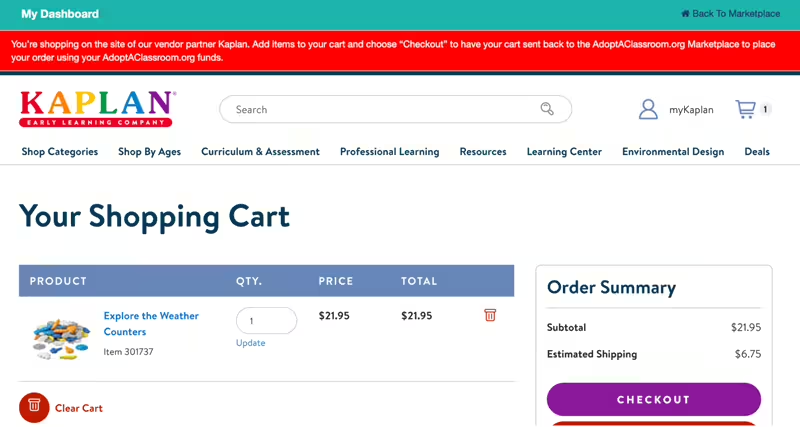
If you see a message at the top of the screen starting with “You’re shopping on the site of our vendor partner,” don’t fret. Add items to your cart and follow the instructions in the red banner (ex – click “checkout” or “return to requisition”). You’ll be automatically redirected to the AdoptAClassroom.org Marketplace to officially make your purchase.

To learn more about how to save on shipping, see our blog post here.
FAQ For Shopping on AdoptAClassroom.org
Looking for something you can’t find in our marketplace?
Occasionally, teachers need items that AdoptAClassroom.org’s vendors don’t carry. In these cases, AdoptAClassroom.org allows teachers to apply for approval of a Teacher Choice Purchase.
Read our Teacher Choice Purchase policy and frequently asked questions.
To request approval for a Teacher Choice Purchase, complete this form and wait 1-2 business days for our staff to respond. Please wait for us to approve your request before making any purchases.
How long does shipping take? Where’s my package?
For shipping/tracking updates, please contact the vendor using the contact information for the vendor(s) you ordered from in your order confirmation email from AdoptAClassroom.org or check out our help center for additional details.
Be sure to have your Order ID and/or Order # to provide to each vendor. This information can be found in your order confirmation email and in your Order History.
Can I return my package? How can I get a refund?
To facilitate returns/exchanges/order updates, please contact the vendor directly for the most timely response. Each vendor sets their own policies and will be able to provide you with the appropriate next steps. For more information, click here.