Social Media Fundraising Guide for Teachers

Social media is a powerful fundraising tool when used strategically.

Follow the steps in our social media fundraising guide for teachers to plan and execute a successful social media donation ask.

Step 1: Polish Your Classroom Page

Before you get started, make sure that your classroom page is up-to-date! Before you start sending out your link, follow this checklist: 

  • Confirm that your school, grade level, and teaching area are accurate
  • Include both a profile and a banner photo
  • Tell a story about your classroom to donors
  • List the kinds of essential supplies and extras your students need
  • Explain how donors can help your class reach their goals
  • Remove any outdated hashtags and references (example #BackToSchool2020)

Step 2: Select Your Photo(s) or Video

A great photo or video will help your post stand out. More attention for your post increases the chance of someone donating.

Photos

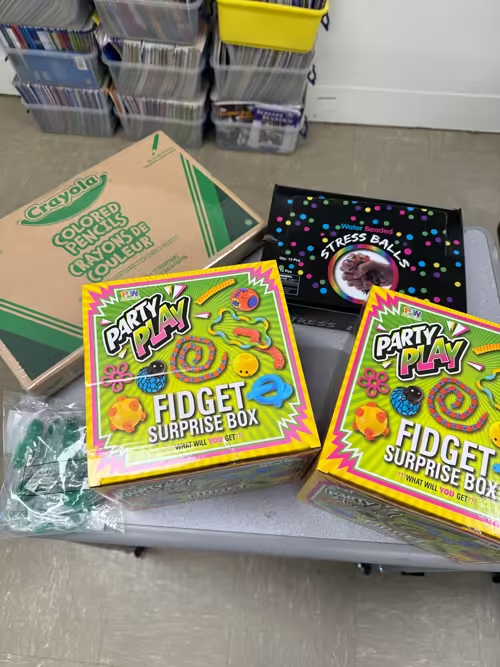
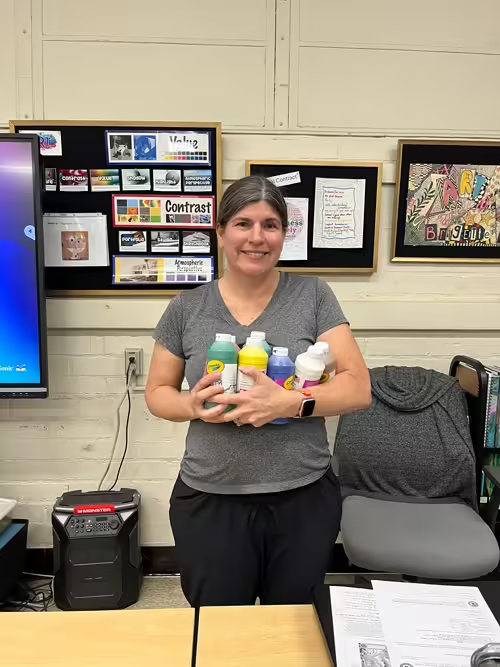
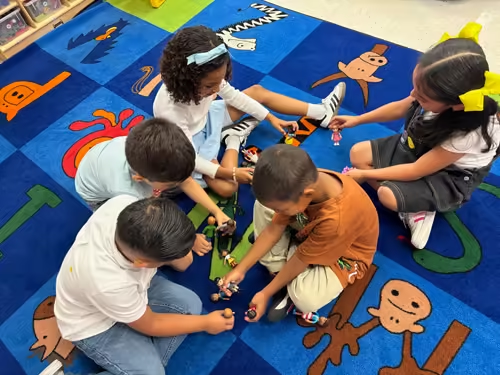
Photos from your classroom showing the need for supplies, or busy learners working hard, is a great way to grab your audiences’ attention and get them invested in helping you. Taking photos of your students and protecting their privacy can be tricky. Here is a guide for teachers on how to take photos while protecting students’ privacy.

Example Photo

Video

Your video does not have to be polished or expertly edited. In fact, the more authentic and real, the better. You can use your phone to film a short video where you talk about why you need donations for school supplies. A video will help you connect with potential donors on a deeper, more personal level. When potential donors can see and hear you explaining the need and asking for support, they may be more motivated to give.

Example Video

Step 3: Choose Your Platform

There’s a variety of social media websites to choose from, and each platform requires a different fundraising strategy. Read our fundraising strategies below for Facebook and Instagram.

Facebook

Fundraising on Facebook gives you the opportunity to make a donation ask in a variety of ways.

With Facebook you can…

  • Upload a short or lengthy fundraising video
  • Include one or more photos with your fundraising post
  • Write a concise or detailed fundraising ask, and include a link to your AdoptAClassroom.org classroom page
  • Have friends and family share your post so they can ask their network of followers to support your classroom
  • Share your Facebook post to your Facebook Story to notify your friends that you’ve posted asking for donations
Instagram

To post on Instagram, you must include a photo or video. Make sure to show off your classroom in action to capture your followers’ attention, and get them excited about investing in your classroom to support your students.

With Instagram, you can…

  • Upload one or more photos
  • Upload a fundraising video
  • Write a concise or detailed fundraising ask
    • Make sure to include a link to your AdoptAClassroom.org classroom fundraising page in your Instagram bio, and direct donors there so they can donate to your classroom
    • Image carousels can help communicate a lot of information in an engaging way. Check out an example.
  • Share your Instagram post to your Instagram Story to notify your followers that you’ve posted asking for donations
    • Your followers can also share your post to their Instagram Story so that their followers see your fundraising ask too 
  • Reach people outside of your followers by including relevant hashtags in your post, or the comment section of your post, so donors who want to help teachers can find your post
    • Note: Instagram has a 30-hashtag limit per post, so choose your hashtags carefully

Step 4: Write Your Fundraising Ask

You can repurpose anything you wrote on your classroom page to make your caption on Facebook or Instagram. Just make sure your ask is personal and that your post speaks directly to your audience.

Example Fundraising Ask

Tip: Make sure to post the correct link to your AdoptAClassroom.org classroom page so donors can donate. Read our guide for teachers on how to find the link to your classroom page here.

Step 5: Post Again and Thank Your Donors

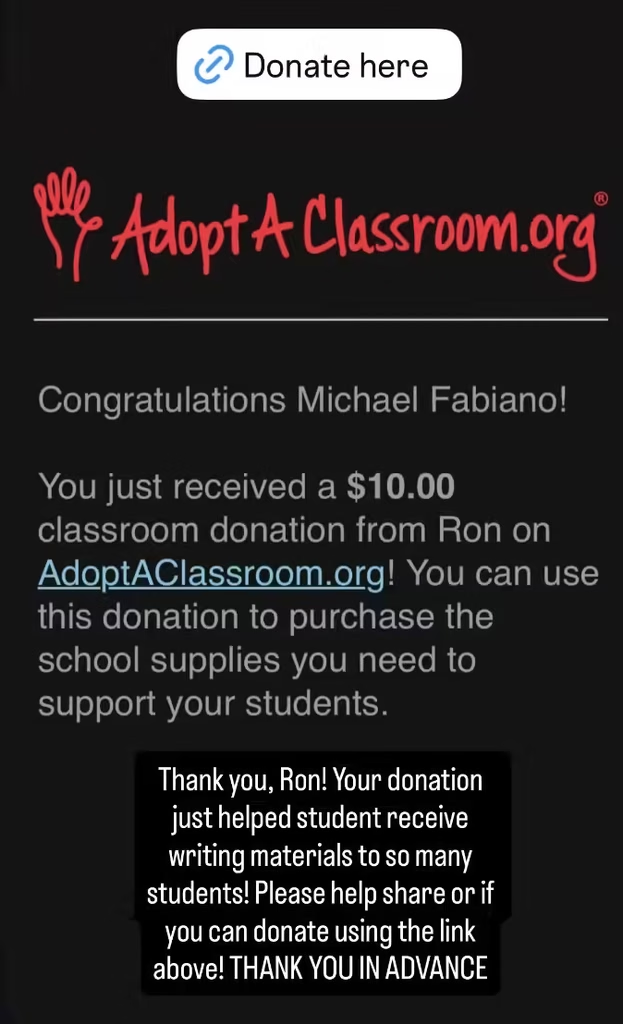
After you’ve raised some donations, make sure to post an update on social media to let your audience know you’re closer to reaching your goal. It’s a great chance to thank people who have donated and show them that their gift is helping you to reach your classroom goal(s). You never know if it may even spark a repeat donation!  

Example Update

Raise your hand to learn more.

Subscribe to AdoptAClassroom.org updates.

Sign up to learn more.

Sign up to receive information about AdoptAClassroom.org.